Argument no. 2 · Effective
No tablet, no phone: hands on the tool, eyes on the machine
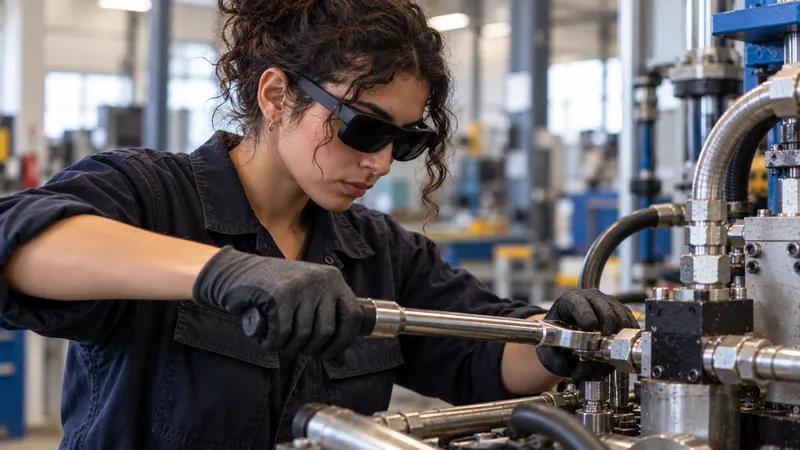
The expert creates while performing the task, wearing glasses or a headset. The learner learns with both hands on the tool and eyes on the machine. No phone to hold, no tablet to check.
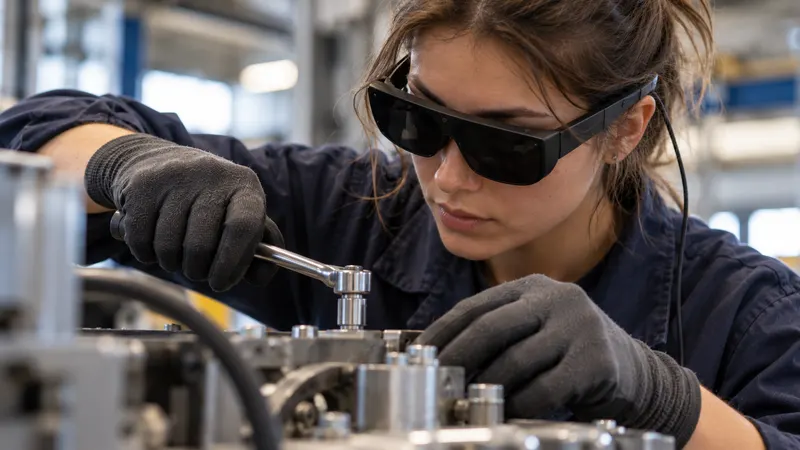
For the expert
Create without stopping work.
Your experts have no time. They pass on their skills while they work, not in the evening in front of a word processor.
During the task
On the machine, as they work, without leaving the workstation or putting down their tools.
In a few minutes
One minute per instruction, a few minutes for a tutorial. No writing, no filming, no mandatory editing.
No IT skills needed
The expert works independently: no 3D, no developer, no contractor.
In their own words
They explain as they would to an apprentice, with their tips and points to watch.
For the learner
Both hands on the tool, eyes on the task.
- The instruction appears on the equipment, right where action is needed.
- They move forward by voice, without touching a screen.
- They review the expert’s demonstration whenever they need to.
- They learn at their own pace, independently.
- A quiz checks that they have understood.
Why not a smartphone or a tablet?
A screen to hold means one hand fewer.
Phones and tablets are excellent tools. Yet for passing on a manual skill, they impose a few constraints.
- Other approachesFilming with a phone means one hand fewer for the task.And often a shoot, then editing.With SHIFT89The expert creates while performing the task, hands-free.Glasses or headset on: one minute per instruction.
- Other approachesA tablet next to the machine means eyes leaving the workstation.You read, turn around, look for where to act.With SHIFT89The instruction appears on the equipment, right where action is needed.Eyes on the task, both hands on the tool.
- Other approachesA video shows the task somewhere else.You have to pause, go back, find the right moment.With SHIFT89Augmented reality places it on the equipment.The learner moves at their own pace, guided step by step.
- Other approachesWith work gloves on, touching a screen is not always possible.You have to take your gloves off, or do without them.With SHIFT89Voice is enough to move forward.No touchscreen to handle.
In the workshop
Protective equipment, gloves, noise, light.
A training tool has to work in the workshop, not just in a demo room.
Protective equipment
We recommend the device that is compatible with your protective equipment.
Gloves
Voice is enough to move through the tutorial: no touchscreen to handle.
Noise, light, temperature
Each device has its operating range (temperature, lighting, explosive atmospheres): we tell you beforehand, not afterwards. We only recommend field-proven solutions.
Measured results
What hands-free changes.
- 1 minTo create an instructionBy the expert, on the real equipment, with no writing or editing (measured in our deployments)
- × 2Train twice as fast, autonomouslyMeasured in our deployments, at a tier-one automotive supplier
- ÷ 5Trainers and mentors tied up5 times fewer, measured in our deployments
Your best expert’s know-how deserves to be preserved.
A 30-minute to 2-hour demo, on one or more of your real cases, in your environment, with your teams. Just agree on a date.
or write to us